Android MDM Control
Manage Android guard devices, field terminals, and access-control handsets from one secure dashboard.
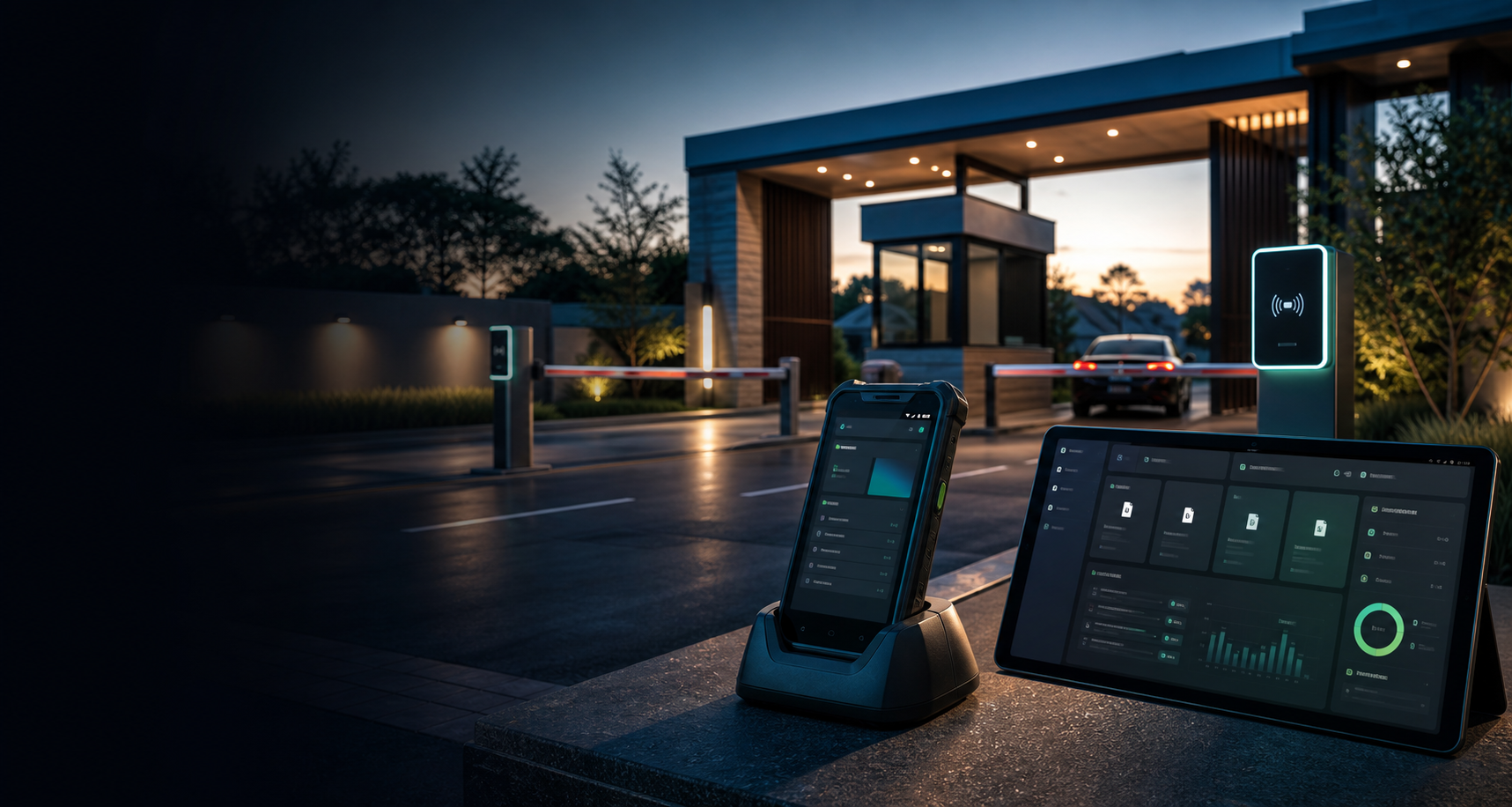
For access-control installers and secure sites
Elite Entry combines mobile gate access workflows with Android MDM: kiosk lockdown, QR enrollment, remote monitoring, app deployment, remote commands, and installer-ready fleet management.
QR
device enrollment
MDM
Android control
24/7
fleet visibility
The Platform
Most access-control software only focuses on the entry transaction. Elite Entry also helps installers keep the Android devices locked down, updated, monitored, and supportable after deployment.
Add a professional software layer to gate motors, boom gates, intercoms, CCTV, readers, and Android guard devices.
Offer estates and businesses a clearer upgrade path without replacing every piece of hardware on site.
Manage customer devices after installation with app updates, policy changes, monitoring, and support.
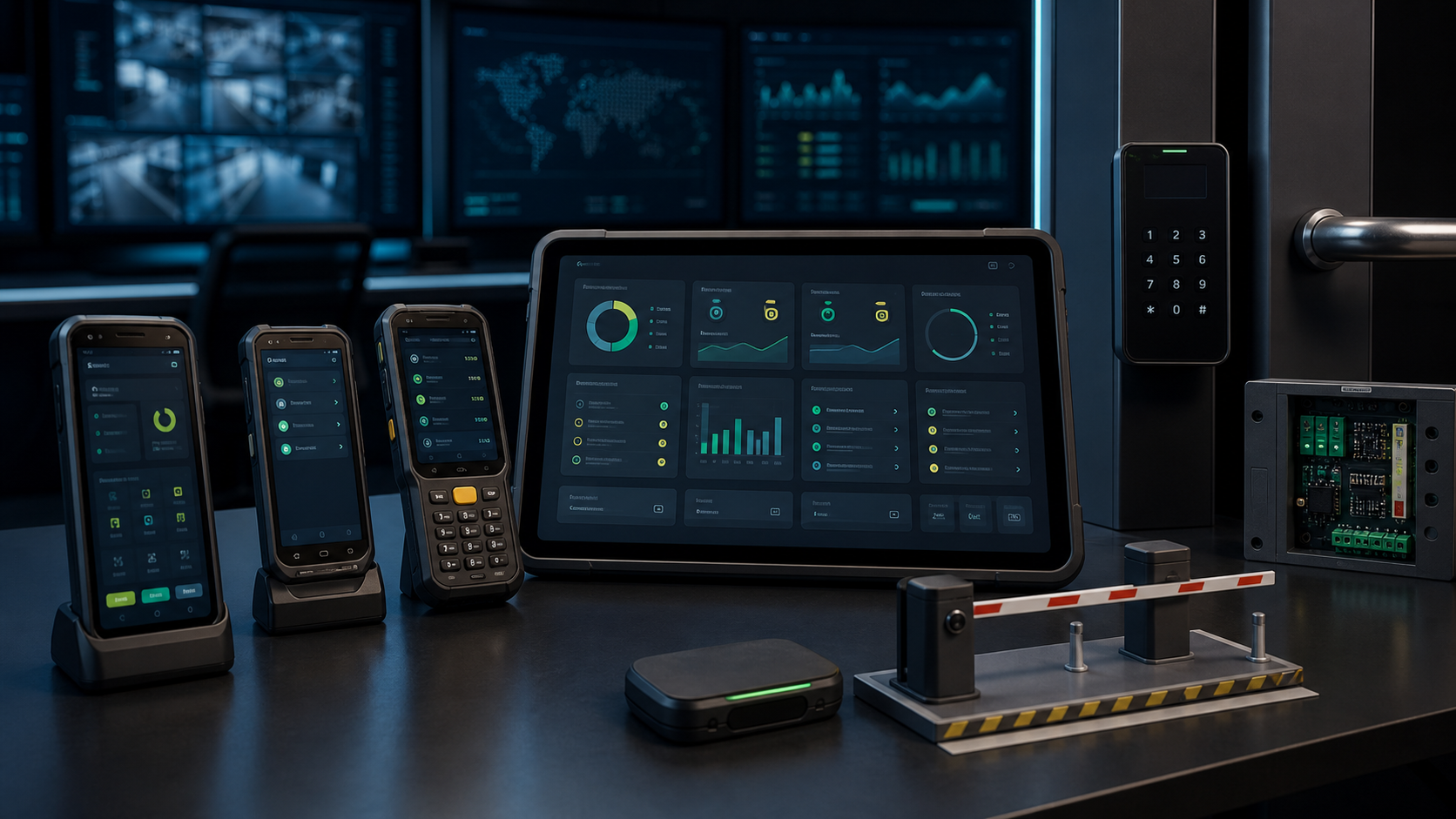
Installer Dashboard
Devices, policies, apps, commands, health, support, and audit logs in one view.
Main Sellable Features
These are the practical features that make the product valuable to estates, guards, facilities teams, and access-control service providers.
Built for real site operations: visitors, vehicles, resident approvals, device lockdown, fleet health, updates, and support.
Manage Android guard devices, field terminals, and access-control handsets from one secure dashboard.
Lock devices to approved apps and keep operators inside the correct gate or site workflow.
Provision new Android devices quickly with QR-based enrollment profiles for faster installer handover.
Upload APKs, manage release versions, push updates, and track install status per device.
View device health, heartbeat status, battery, storage, app inventory, network state, and screenshots.
Send admin commands such as sync, lock, reboot, wipe, kiosk restore, and device support actions.
Assist sites with support sessions, screenshots, chat, control-path tooling, and audited activity.
Separate tenants, clients, estates, locations, and device groups so installers can manage many customers cleanly.
Why Installers Care
Elite Entry gives installers a reason to keep supporting the customer after the gate is working: remote app updates, managed policies, fleet health, support tools, and clear audit history.
How It Works
The sales story is easy: enroll the device, lock it down, run the access workflows, and manage the fleet remotely.
01
Installer provisions the Android device with a QR profile and assigns it to the correct site.
02
Approved apps, kiosk mode, camera/screen settings, and device rules are pushed from the dashboard.
03
Guards run visitor, vehicle, resident approval, QR, NFC, and offline workflows from the device.
04
Admins monitor health, deploy apps, send commands, review audit logs, and support devices remotely.
Best Fit
Talk To Sales
Send a demo request or contact us directly. The cell number is also the WhatsApp number.